> For the complete documentation index, see [llms.txt](https://docs.lyzi.io/llms.txt). Markdown versions of documentation pages are available by appending `.md` to page URLs; this page is available as [Markdown](https://docs.lyzi.io/en/user/faire-un-paiement/non-custodial.md).

# Non Custodial

## Summary

{% stepper %}
{% step %}

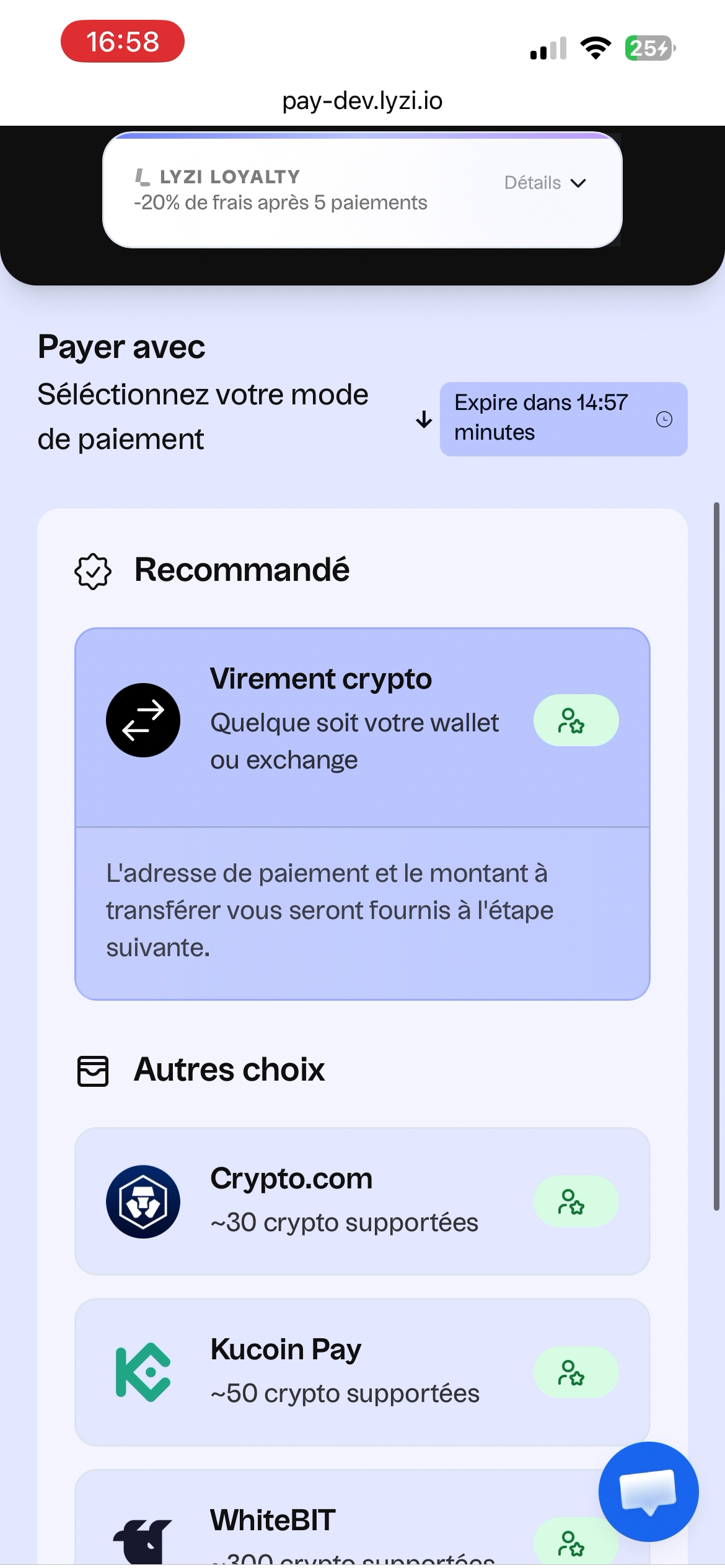
#### In the payment portal, choose "Wallets"

This option allows you to pay with any wallet, connected or not.
{% endstep %}

{% step %}

#### Choose the blockchain and cryptocurrency for payment

You will then need to choose the same blockchain and crypto to initiate the transfer from your wallet.
{% endstep %}

{% step %}

#### Initiate payment in 1 click or prepare the transfer

* The 1-click payment requires having connected your wallet to the payment portal.
* The default option allows you to send crypto to the displayed address to confirm the payment
  {% endstep %}

{% step %}

#### Wait for confirmation

After making the transfer, wait for confirmation on the payment portal until the result page.
{% endstep %}
{% endstepper %}

{% hint style="info" %}
**The Wallets option allows you to pay with any wallet or CEX**

For certain amounts, **validation** of the blockchain transaction may take **several minutes** to have the **definitive** confirmation on the blockchain.
{% endhint %}

## Payment with wallets

The "Wallets" option allows you to use any wallet or exchange platform to complete a payment with Lyzi. This method is also called "Non-custodial Payment" or "Payment with self-hosted wallets". It is a payment made with a crypto wallet that the user owns.

{% hint style="success" %}
:euro: This includes: Metamask, Ledger, Exodus, Trust Wallet, Trezor, Phantom, Atomic Wallet, Argent, etc.

:bank: But also: Coinbase, Kraken, Crypto.com, Revolut, ByBit, Binance, Bitstamp, Gemini, OKX, eToro, Uphold, etc.
{% endhint %}

### Two methods are available

{% columns %}
{% column %}
**Direct transfer**\
With this method, the user must retrieve the payment information (including blockchain, amount, payment address) and use it to make a withdrawal from their preferred wallet or platform.
{% endcolumn %}

{% column %}
**In 1 click**\
After connecting, the user can initiate the transfer to the correct address and amount by simply clicking the "In 1 click" button.
{% endcolumn %}
{% endcolumns %}

### In images

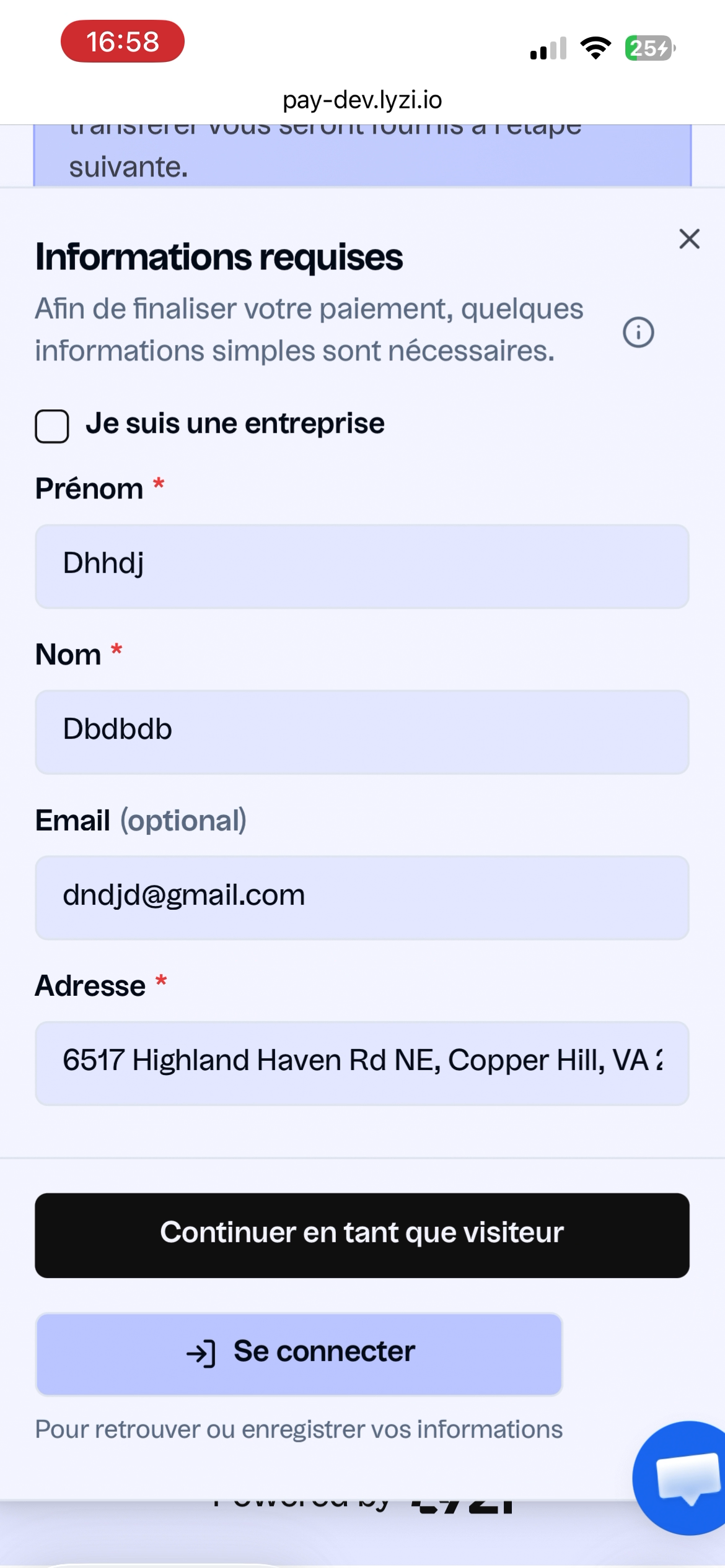
<div data-full-width="false"><figure><img src="https://2899979654-files.gitbook.io/~/files/v0/b/gitbook-x-prod.appspot.com/o/spaces%2FwaQosSnszpcHR9Zimu5R%2Fuploads%2Fgit-blob-cd87cea57bbf31a846637983d30d37f9a8839401%2FIMG_8741.png?alt=media" alt="" width="188"><figcaption><p>Choose the Wallets option</p></figcaption></figure> <figure><img src="https://2899979654-files.gitbook.io/~/files/v0/b/gitbook-x-prod.appspot.com/o/spaces%2FwaQosSnszpcHR9Zimu5R%2Fuploads%2Fgit-blob-4499a97ec36fa804d19e922577adf24c1bb7be1a%2FIMG_8748.png?alt=media" alt="" width="188"><figcaption><p>Depending on the amount,<br>complete full or light KYC</p></figcaption></figure></div>

{% hint style="info" %}
KYC is a mandatory step for payments from a wallet that can be anticipated.\
More info here: [KYC - Identity Verification](/en/user/kyc-verification-didentite.md)
{% endhint %}

<div><figure><img src="https://2899979654-files.gitbook.io/~/files/v0/b/gitbook-x-prod.appspot.com/o/spaces%2FwaQosSnszpcHR9Zimu5R%2Fuploads%2Fgit-blob-8caa3c25fc1bb63ec58b501f2d6f868ab45881d8%2FIMG_8749%20(1).png?alt=media" alt="" width="188"><figcaption><p>Choose the cryptocurrency<br>to send P1</p></figcaption></figure> <figure><img src="https://2899979654-files.gitbook.io/~/files/v0/b/gitbook-x-prod.appspot.com/o/spaces%2FwaQosSnszpcHR9Zimu5R%2Fuploads%2Fgit-blob-dd7b0497a451f26baba409247106efa1871e74c3%2FIMG_8742%20(1).png?alt=media" alt="" width="188"><figcaption><p>Choose the blockchain<br>to send P2</p></figcaption></figure></div>

{% hint style="warning" %}
Be careful to use the same blockchain and the same cryptocurrency when making the transfer from the wallet used to make the payment
{% endhint %}

<div><figure><img src="https://2899979654-files.gitbook.io/~/files/v0/b/gitbook-x-prod.appspot.com/o/spaces%2FwaQosSnszpcHR9Zimu5R%2Fuploads%2Fgit-blob-d06c51b8cdf1c87377e2f1c287cc2757b5ce1f63%2FIMG_8751%20(1).png?alt=media" alt="" width="188"><figcaption><p>(Optional) Choose the blockchain on<br>which to make the payment</p></figcaption></figure> <figure><img src="https://2899979654-files.gitbook.io/~/files/v0/b/gitbook-x-prod.appspot.com/o/spaces%2FwaQosSnszpcHR9Zimu5R%2Fuploads%2Fgit-blob-35f1fc7e373f27121bd9be0c1efb1fbf0560066e%2FIMG_8744%20(1).png?alt=media" alt="" width="188"><figcaption><p>Note the destination address<br>and the amount to send</p></figcaption></figure></div>

### In video

{% embed url="<https://youtu.be/GLbD6og-gsg?si=C9bdP_khkWuhAhZd>" %}


---

# Agent Instructions
This documentation is published with GitBook. GitBook is the documentation platform designed so that both humans and AI agents can read, navigate, and reason over technical content effectively. Learn more at gitbook.com.

## Querying This Documentation
If you need additional information that is not directly available in this page, you can query the documentation dynamically by asking a question.

Perform an HTTP GET request on the current page URL with the `ask` query parameter, and the optional `goal` query parameter:

```
GET https://docs.lyzi.io/en/user/faire-un-paiement/non-custodial.md?ask=<question>&goal=<endgoal>
```

`ask` is the immediate question: it should be specific, self-contained, and written in natural language.
`goal` is optional and describes the broader end goal you are ultimately trying to accomplish on behalf of the user. GitBook uses it to tailor the answer towards what is most useful for that goal.

The response will contain a direct answer to the question and relevant excerpts and sources from the documentation.

Use this mechanism when the answer is not explicitly present in the current page, you need clarification or additional context, or you want to retrieve related documentation sections.